 Get A Quote


 English
 中文简体
中文简体If your crosshair overshoots a target after a fast flick, or your wrist feels like it is dragging through wet sand by the third match, the mouse pad is usually the first component to inspect. The best gaming mouse pad is not the most expensive one or the one with the brightest logo. It is the pad that gives your mouse the right amount of glide, stopping power, and consistency for how you aim.
For most players, a large cloth or hybrid pad is the safest first choice because it balances speed, control, comfort, and price. Players who want a faster, more durable, and easier-to-clean surface should look at tempered glass pads with a micro-etched texture. The decision should start with your mouse sensitivity, grip, game genre, and available desk space, then narrow to surface type and construction quality.
Why the mouse pad changes aim more than most players expect
A mouse sensor measures movement, but it does not create friction. The pad does. Surface texture, coating, and base material decide how much force you need to start the mouse moving, how quickly it stops, and how consistent that feel remains across the pad. Those three factors map directly to speed, control, and repeatability.
Speed matters when you track moving targets, turn quickly, or play at a low sensitivity with large arm movements. Control matters when you need to stop precisely on a small target or hold an angle. A pad that is too fast can make micro-adjustments feel nervous. A pad that is too slow can cause fatigue and force you to lift and reposition the mouse more often.
Humidity and skin oils also change cloth pads over time. A pad that feels balanced in a cool, dry room can turn sluggish in summer. That is why tournament players often prefer pads with a stable surface and sealed edges, and why glass pads have gained attention: their glide is less affected by sweat and humidity.
Start with size and desk space
Size is the first practical filter. A pad that is too small forces you to lift and reset the mouse during a swipe. A pad that is too large can crowd your keyboard or hang over a desk edge. Measure the space between your keyboard and the desk edge, then add the range of motion your sensitivity demands.
- Small pads, roughly 250 x 210 mm: best for high sensitivity, limited desks, or travel. They suit players who aim mostly from the wrist, but they leave little room for big swipes.
- Medium pads, roughly 320 x 270 mm: a common starting point for office and casual gaming. They fit most desks but can feel tight for low-sensitivity FPS play.
- Large pads, roughly 450 x 400 mm: the practical choice for competitive FPS, tracking games, and low DPI. They allow full arm swipes without constant resets.
- Desk mats, roughly 800 x 300 mm or larger: useful when the keyboard, mouse, and wrist rest share one surface. They create a unified look but require more cleaning and can be harder to reposition.
If you play at 400-800 DPI with a low in-game sensitivity, choose the largest pad your desk can hold. If you play at 1600 DPI or higher, a medium or large pad is usually enough. The goal is to avoid running out of surface during the longest movement you make in a game.
Surface types: cloth, coated cloth, hard plastic, glass, and hybrid
Surface type affects feel more than size. Cloth pads use woven fabric over a rubber base. They offer strong stopping power and a quiet, comfortable glide. Coated cloth pads add a smooth layer that raises speed but can wear away. Hard plastic pads are fast and consistent, yet they can feel harsh and may wear mouse feet. Tempered glass pads with micro-etching aim to combine hard-surface speed with fine control and long-term durability.
| Surface | Speed | Control | Durability | Maintenance | Best for |
|---|---|---|---|---|---|
| Cloth | Low to medium | High | Medium | Regular washing or vacuuming | Tactical shooters, comfort, quiet setups |
| Coated cloth | Medium to high | Medium | Low to medium | Gentle wiping; coating wears | Players who want cloth comfort with more speed |
| Hard plastic | High | Medium | High | Wipe clean | Fast tracking, low friction, travel |
| Tempered glass | Medium to high | Medium to high | Very high | Wipe with a microfiber cloth | Consistency, durability, humidity resistance |
| Hybrid | Medium to high | Medium to high | Medium to high | Wipe or light wash | Players who want a balance of speed and stopping power |
There is no universal best surface. A cloth pad can be perfect for a control-focused player, while a glass pad can be ideal for someone who wants the same glide every day and does not want to replace the pad every year.
Speed versus control: how to match the pad to your game
Speed and control are not opposites in quality; they are opposites in friction. A speed surface reduces the force needed to move the mouse. A control surface increases that force so the mouse stops sooner when you stop your hand. Your mouse weight, mouse feet, sensitivity, and grip all interact with that friction.
Fast-paced tracking games reward smooth, low-friction movement. Tactical shooters and games with small hitboxes often reward stopping power and micro-adjustment. If you use a heavy mouse or worn mouse feet, a faster pad can restore some of the glide you lost. If you use a very light mouse and high sensitivity, a slower pad can calm your aim.
A practical test is to play for 20 minutes on your current pad and count how often you overshoot or undershoot. If you overshoot, try a slower surface or a larger pad. If you undershoot or feel resistance, try a faster surface. Small changes in friction can matter more than a new mouse sensor for many players.
Construction details that separate a good pad from a bad one
The surface gets the attention, but the base and edges decide whether the pad stays usable. A rubber base should grip the desk without leaving residue. The pad should lie flat after unrolling, with no curled corners that catch the mouse. Stitched edges reduce fraying on cloth pads, while glass pads need a polished, safe edge and a textured surface that does not create excessive noise.
Thickness is a comfort choice. Thin pads, around 2-3 mm, sit close to the desk and give a firm, direct feel. Thicker pads, around 4-5 mm, cushion the wrist and can smooth out small desk imperfections, but they may feel slightly less precise. For glass pads, thickness is usually not a cushioning issue; flatness and base grip matter more.
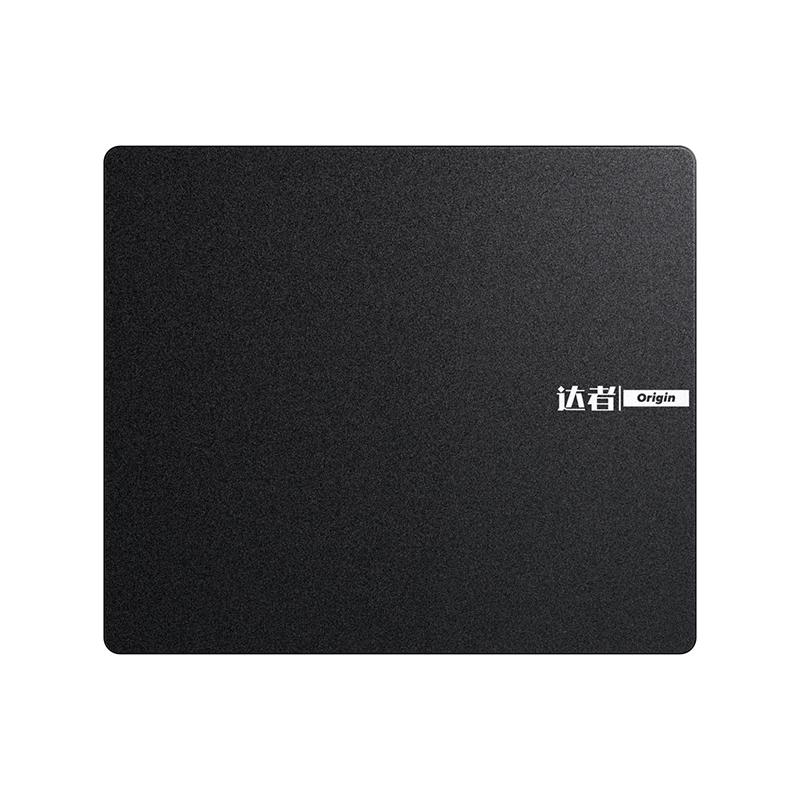
For a professional gaming surface, micro-etching is worth understanding. A finely etched glass surface can provide repeatable glide without the coating wear that affects some coated cloth pads. Darzher's Pro Gaming Edition mouse pad uses a micro-etching process and tempered glass, which is a direction to consider if durability, easy cleaning, and consistent speed are your priorities.
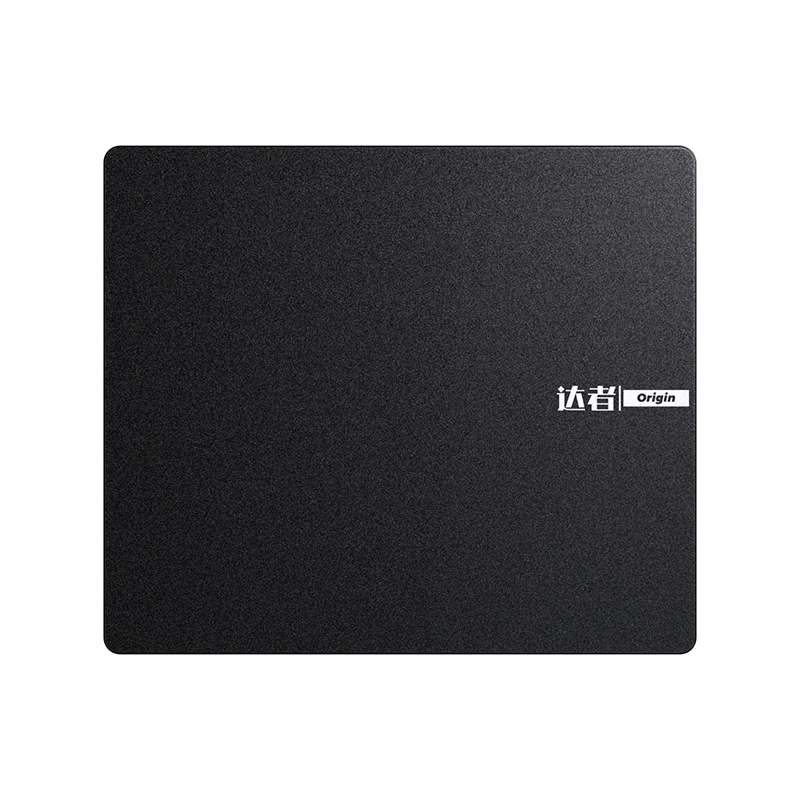 Darzher Pro Gaming Edition Tempered Glass Mouse PadTempered-glass, micro-etched surface for consistent glide, durability, and easy cleaning; a practical option for high-intensity gaming setups.View Product →
For a broader look at how surface design affects comfort and control, this article on gaming mouse pads enhancing performance and comfort gives more context on the practical tradeoffs.
Cleaning, lifespan, and when to replace a pad
Cloth pads collect dust, skin cells, and oil. Wash them with lukewarm water and mild soap, rinse thoroughly, and let them air dry completely before use. Avoid hot water and strong chemicals because they can break down the adhesive or coating. Glass and hard pads need less maintenance: wipe them with a damp microfiber cloth, then dry them to avoid water spots.
Replace a cloth pad when the surface develops shiny patches, the edges fray, or the glide becomes inconsistent across the pad. Replace a hard or glass pad when the surface is scratched, the base no longer grips, or the pad warps. A worn pad can make a good mouse feel inaccurate, so replacement timing is part of performance, not just appearance.
Buying checklist for players and bulk buyers
Individual players should shortlist two or three pads with different friction levels, then test them with the same mouse, sensitivity, and game. Buy from a supplier that states the surface type, dimensions, thickness, edge construction, and base material. If those details are missing, the pad is a gamble.
For teams, esports venues, or brands sourcing pads in quantity, consistency is the main risk. Ask for a sample from the production batch, not a hand-finished prototype. Check surface friction across the full pad, colorfastness, edge stitching, base flatness, and odor after unboxing. A pad that feels perfect in one unit but changes between batches creates support problems and returns.
Custom logos, sizes, and packaging can add value, but they should not compromise the playing surface. The best gaming mouse pad is the one your hand trusts after hours of use: enough speed for your swipes, enough control for your stops, and enough durability to stay predictable. Start with size and surface, verify the construction, and let your aim decide the rest.

W2200D1535H23000000.png "Boardroom Pod")

 Add: Building18, No. 331, Haidong Road, Lihai Street, Yuecheng District, Shaoxing City, Zhejian, China
 Tel: +86-18057599511 / +86-0575-89291658
 Fax: +86-0575-89291658
 Email: